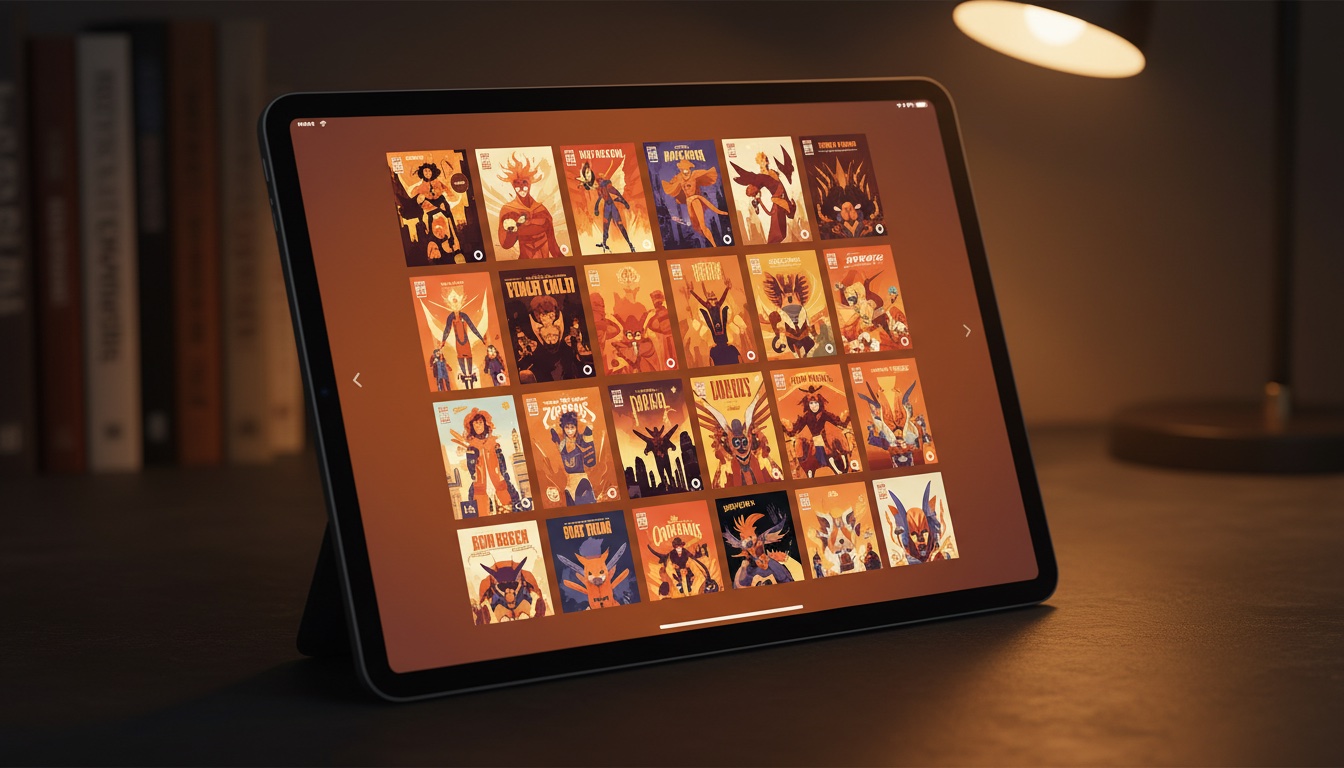
Fifty comics is manageable. Two hundred gets messy. By five hundred, you're scrolling through an endless list of files wondering which volume of Saga you stopped at and whether you already read that Batman run.
Digital comic collections grow fast. Between Humble Bundles, publisher sales, and years of accumulating files, most collectors reach a point where finding and tracking what they own becomes a chore. What you need is a comic collection manager that actually helps you organize digital comics.
This guide walks through how to turn a pile of comic files into an organized, trackable library, using ComicFlow as your comic collection manager to track comic reading progress so you never lose your place.

The Problem with File Folders
Most people start by organizing comics in folders:
Comics/
├── Marvel/
│   ├── Spider-Man/
│   ├── X-Men/
│   └── Avengers/
├── DC/
│   ├── Batman/
│   └── Superman/
├── Image/
│   ├── Saga/
│   └── Invincible/
└── Manga/
    ├── One Piece/
    └── Berserk/
This works initially, but it breaks down quickly:
- No reading status. Which issues have you read? Where did you stop in a series? No way to tell from a file listing.
- No cross-categorization. A comic can be both "Marvel" and "Currently Reading," but a file can only live in one folder.
- No ratings or notes. You finish a run and think "that was incredible." Where do you record that?
- No progress tracking. You were on page 47 of issue #23. Good luck remembering that next week.
- Thumbnail blindness. CBR and CBZ files show generic icons, not cover art.
A dedicated library manager solves all of these problems.
Collections: Your Organizational Backbone

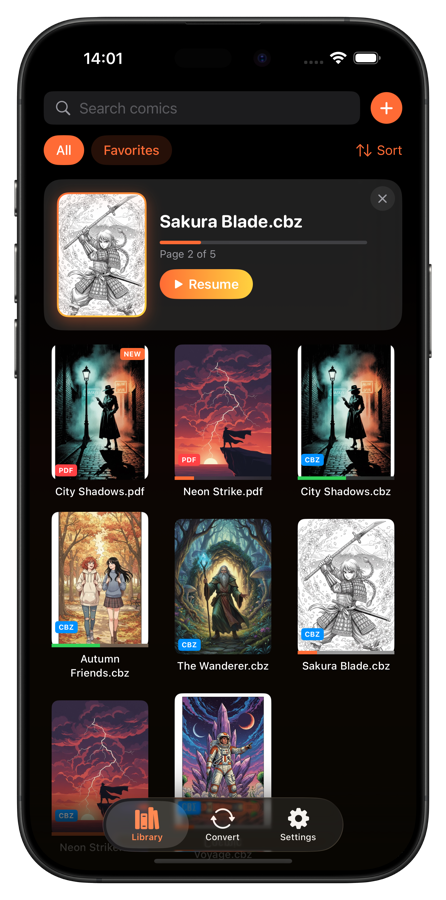
Collections are the foundation of a well-organized library. Unlike rigid folder hierarchies, collections let you group comics in multiple overlapping ways.
Smart Collections (Automatic)
A good library manager automatically creates collections based on reading status:
- Unread: Everything you haven't opened yet
- Reading: Comics you've started but not finished
- Completed: Comics you've read cover to cover
- Favorites: Comics you've marked with a heart or 5-star rating
- Recently Added: Your latest imports
These update automatically as you read, no manual sorting needed.
Custom Collections (Your Categories)
Custom collections let you group comics however you think about them:
- By series: "Saga Complete," "Invincible Run," "Batman: Year One and Sequels"
- By mood: "Light Reading," "Heavy Stuff," "Art Showcase"
- By reading project: "2026 Reading List," "Recommend to Alex," "Reread Someday"
- By genre: "Sci-Fi," "Horror," "Slice of Life"
- By format: "Manga," "Webtoons," "European BD"
The big difference from folders: a single comic can belong to multiple collections. Your copy of Maus can live in "Completed," "Favorites," "Recommend to Alex," and "Graphic Novels" simultaneously.
In ComicFlow, custom collections come with 16 icon choices and 12 colors, so you can visually distinguish them at a glance.
Ratings, Tags, and Notes
Beyond collections, three metadata tools help you remember what you thought about each comic:
Star Ratings (1-5)
Rate every comic after you finish it. This creates a personal scoring system that pays off over time:
- Quickly find your favorites (filter by 4-5 stars)
- Remember which series to continue (high-rated) vs. drop (low-rated)
- Recommend comics to friends based on your ratings
- Track your taste evolving over the years
Tip: Don't overthink ratings. Use gut feeling immediately after finishing. 5 = loved it, 4 = really liked it, 3 = solid, 2 = meh, 1 = regret reading.
Tags
Tags add searchable labels to comics. Unlike collections (which are for browsing), tags are for finding:
- Genre tags:
superhero,horror,romance,sci-fi - Status tags:
ongoing,complete,dropped - Source tags:
humble-bundle,image-sale,library - Custom tags:
art-inspo,comfort-read,lent-to-mike
Tags compound in value. After tagging 100+ comics, you can instantly answer questions like "show me all completed sci-fi comics I rated 4+ stars."
Personal Notes
Free-text notes for anything that doesn't fit into ratings or tags:
- "Stop after issue #50, quality drops"
- "Read after finishing Sandman for better context"
- "Gift from Sarah, June 2025"
- "The art in chapter 7 is unbelievable"
Notes are personal and private, just for your own reference.
Reading Progress: Never Lose Your Place

The single most useful feature of a library manager is automatic reading progress.
How It Works
Every time you read a comic, the app saves:
- Your current page so you pick up exactly where you left off
- Reading direction and fit mode so your settings persist per comic
- Times opened so you can see how often you've returned to a comic
- Reading status, which automatically moves from "Unread" to "Reading" to "Completed"
The Continue Reading Card
When you open your library, a "Continue Reading" card shows the last comic you were reading with your exact page. One tap and you're back in the story. No scrolling through your library, no trying to remember which issue you were on.
This matters most when you're juggling multiple series. Monday you're reading Invincible, Wednesday it's One Piece, Friday you pick up Saga again. Each one remembers exactly where you were.
Reading Statistics
Over time, your library builds a reading history:
- Total comics completed
- Reading streaks
- Time spent reading
- Most-read genres
These statistics actually help you understand your reading habits and figure out what to read next.
A Practical Organization System
A system that works whether you have 50 comics or 5,000:
Step 1: Import Everything
Get all your comics into one app. Don't leave files scattered across folders, cloud services, and email attachments. One library, one source of truth.
ComicFlow handles CBR, CBZ, RAR, ZIP, and PDF, so every comic format you own can live in one place.
Step 2: Create Core Collections
Start with 4-5 collections that match how you actually think about your comics:
- Currently Reading (or rely on the smart "Reading" collection)
- Up Next for your reading queue
- Favorites for the best of the best
- By Series with one collection per ongoing series you follow
You can always add more collections later. Start simple.
Step 3: Rate as You Go
Don't try to rate your entire library retroactively. Just rate each comic as you finish it. After a few months, you'll have a meaningful ratings database.
Step 4: Tag Strategically
Add tags that you'll actually search for. If you never filter by publisher, don't tag publishers. If you frequently want to find "comfort reads," that's a useful tag.
Step 5: Trust the Progress Tracking
Stop using bookmarks, sticky notes, or mental memory to track where you are. Let the app handle it. Open a comic, read, close it. Next time you open it, you're on the right page.
Getting Started
Turning a disorganized collection into a managed library takes one focused session:
- Download ComicFlow ($2.99, one-time purchase)
- Import your comic files (CBR, CBZ, RAR, ZIP, PDF all supported)
- Create 3-4 collections for your main categories
- Start reading. Ratings, progress, and smart collections build themselves
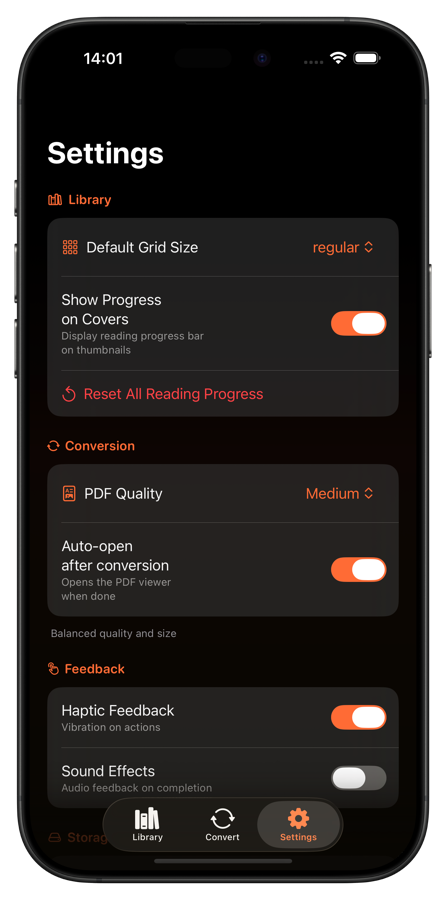
Everything stays on your device. No cloud, no account, works offline. Available in 6 languages.
Your future self will thank you when you can actually find that one issue you wanted to reread.